Best AI coding tools in 2026: what developers actually use
The 10 best AI coding tools in 2026, ranked by real use across client work and team projects. Includes Claude Code, Cursor, Copilot, Windsurf, and more - with pricing and honest takes on each.

The best AI coding tools in 2026 are software development assistants that write, refactor, debug, and explain code alongside you in your IDE or browser. The category includes agentic code editors like Cursor and Windsurf, inline assistants like GitHub Copilot, browser-based prototyping tools like Replit and Bolt, and terminal-native agents like Claude Code. By 2026, 95% of developers use AI coding assistants at least weekly, and 75% use them for more than half of their coding work.
If you've been around long enough, you'll remember when AI coding tools felt more like party tricks than support. They misunderstood your code, missed context, and spat out suggestions that caused more cleanup than progress.
But things have changed a lot. We've witnessed this shift firsthand through the tools we've tested, the projects we've shipped, and real-life moments that remind us how far this space has come.
For instance, our CEO, William, built a full treasure hunt app for a group of 8th graders using Replit on the way to the event. No IDE. No setup. Just a browser and a working idea that had both kids and parents excited about code.

That kind of immediacy wasn't possible a few years ago. Today's AI tools are faster and understand code structure, retain context across files, and integrate directly into your workflow without requiring changes to your build process.
This guide is a selection of the ones we've used enough to trust across client work, internal experiments, and team projects where speed alone isn't enough. These tools have helped us debug with fewer loops, write cleaner code more quickly, and reduce the effort required to test new ideas.
Here's what you'll find in this piece:
- Tools that reduce the friction of starting from scratch
- Editors who understand your project beyond just the prompt
- Assistants that explain beyond autocomplete
Each section groups the tools based on how and where they help. You can jump straight to the table if you're solving for something specific. Or keep reading to see where AI is pulling its weight in modern development.
AI tools for everyday coding
These tools help speed up what you do most (like writing, editing, and navigating code inside your IDE). They reduce repetition, surface smarter suggestions, and help you stay in flow.
1. Claude Code
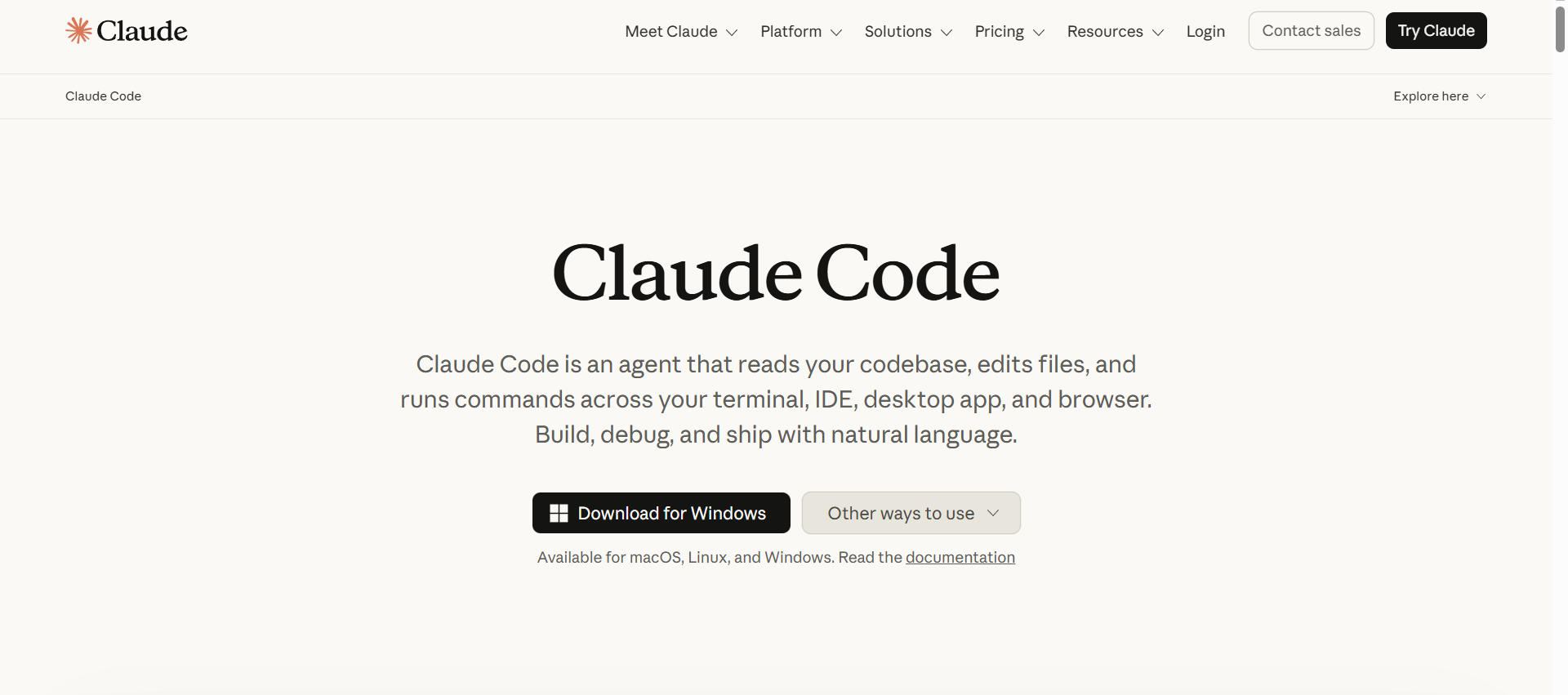
Claude Code is Anthropic's terminal-native agentic coding tool, released in May 2025, and it has become the most-cited standout in developer surveys since. It operates from your command line, reads your entire codebase, and takes actions- running commands, editing files, running tests, autonomously until the task is complete.
In independent benchmarks as of 2026, Claude Code leads on SWE-bench Verified with an 80.8% solve rate, ahead of Cursor and Copilot. In the 2026 Stack Overflow Developer Survey, 46% of developers named it their most-loved AI coding tool, compared to 19% for Cursor and 9% for Copilot.
Where it stands out: long-horizon tasks that require touching many files, understanding interdependencies, and running iterative test loops without you holding its hand. It is also the only major tool with a built-in skills and hooks system, which makes it composable with team workflows.
The original version of this article was written in May 2025, the same month Claude Code launched publicly. It belongs on this list.
Pricing: Usage-based through the Anthropic API; also available inside Claude.ai on Pro and Max plans.
2. Cursor

Cursor is currently one of the most powerful AI-first code editors available. It's built on VS Code but enhanced with deep codebase awareness, multiple AI agents, and project-level understanding.
We've found it most useful when we're deep in refactors or trying to trace bugs across multiple files. Unlike Copilot (discussed below), it doesn't just finish your sentence; it understands what your repo is trying to do.
It's especially good at:
- Explaining tangled logic with line-level comments that make sense
- Refactoring across files without losing the original intent
- Letting you test new ideas quickly without throwing away the old ones
We lean on it when the codebase is too large to hold in one head and you need help navigating the mental overhead. That's when Cursor stops feeling like a tool and starts feeling like a second set of eyes.
Pricing: Free tier available; paid plans start at ~$20/user/month for Pro and ~$40/user/month for Business (pricing may vary with team features).
3. GitHub Copilot

Copilot is fast and familiar. It's excellent for writing repetitive logic, boilerplate functions, and simple tests. It fits right if your work lives mostly in TypeScript, Python, or JavaScript.
But Copilot often loses the thread when you're working across a large codebase. It tends to focus on the last few lines instead of understanding the broader structure. You'll find yourself rewriting or prompting it again for clarity.
We still use it more as an autocomplete boost than a reliable partner. It's great for shallow tasks, but when you need depth or explanation, it shows its limits.
Pricing: Free tier for verified users; personal plans from $10/user/month; business plans around $21/user/month.
4. Windsurf

Windsurf surprised us. It doesn't have the buzz Cursor gets, but it's just as capable of large-scale editing and understanding code.
It's instrumental in legacy codebases where the structure is brittle and file relationships aren't always clean. Windsurf handles multi-file edits without needing constant hand-holding. That alone makes it a strong pick for teams dealing with older projects or enterprise-level systems.
Compared to Cursor, it feels quieter and slightly rougher around the edges. But it still gets the job done, especially if you're on a tighter budget and want context-aware editing without switching tools.
Pricing: Free tier available; paid tiers typically $15/user/month, $30/user/month, and $60/user/month for enterprise.
5. Zencoder

A relatively new AI tool in the market that might join the top AI coding tools soon. Its capability of generating good unit test cases, explaining code, and creating documentation makes it stand out from the rest of the crowd.
It is worth a try, but it can be really slow in execution compared to the rest of the AI coding tools.
Pricing: Zencoder has three models: free, $19/user/month, and enterprise, $39/user/month.
6. Pieces for developers

Some of the tools mentioned above have a short memory, which can cause issues in context awareness or solving repetitive tasks. Pieces, on the other hand, have a solution for this.
Its long-term memory agent captures, preserves, and resurfaces historical workflow details, so you can pick up where you left off. It can hold up to 9 months of context, and the good thing is that it stores data offline, so you can use it without worrying about security concerns.
In general, Pieces for developers is a good tool that makes sharing code snippets easy and improves productivity with context switching.
Pricing: Pieces has two models: free and custom.
Tools for prototyping and fast learning
These tools lower the barrier to shipping fast. Whether you're testing ideas, building side projects, or teaching someone how to code, these make it feel light and immediate.
7. Replit

Replit is our go-to for lightweight builds and quick prototypes that don't require local setup. It runs entirely in the browser, handles dependencies for you, and lets anyone go from idea to code without touching a terminal.
We've used it in real moments like internal experiments and onboarding tests (and even the treasure hunt app that William, our CEO, built on the fly en route to an event). That moment captured what we've seen repeatedly with Replit: when tools are this accessible, more people start building faster.
We've also written about Replit's larger mission on our blog. As one of our clients, we've followed their work closely and respect what they're trying to unlock for developers and anyone with ideas worth building.
It's not the tool we reach for when deep architecture is involved. But when you need a low-friction dev environment to explore, teach, or prototype, Replit earns its place.
Pricing: Replit has four models: free, $20/user/month, $35/user/month, and enterprise, which is custom pricing.
8. Bolt.new

Bolt is built for speed. You describe what you want, and it scaffolds your project in seconds. It's the tool you use when you're experimenting, not architecting.
We've used it to spin up mock dashboards, landing pages, and internal prototypes without touching local files. It's less about control and more about unlocking momentum, especially when you're still figuring out what the final product needs to look like.
It won't replace your IDE, but it's perfect for those "I need this working today" moments.
Pricing: Bolt has four models: pro — $20 per month, pro 50 - $50 per month, pro 100 - $100 per month, and pro 200 - $200 per month.
9. v0 by Vercel

Another browser-based tool isn't a toy but a platform that will give you much power to create your frontend applications. It is good at creating clean and deployable components and can easily be copied into local projects. We have used it to develop prototypes of some of our internal tools, which saved us time and gave us an idea of what the UI will look like.
While it is unsuitable for complete logic applications with a backend, let's not forget that v0 was used to create this Doom captcha game shared by the CEO of Vercel.
Pricing: v0 has four models: free, $15/user/month, $30/user/month and enterprise, $60/user/month.
AI assistants that help you think through code
These models aren't coding tools in the traditional sense. They're more like thinking partners. We reach for them when we're stuck trying to understand why something breaks, or when we need to explain complex logic to someone new. They're great at filling in gaps by summarising what a code block does, translating syntax between languages, or helping you reason through a gnarly bug.
You'll get the most value when you pair them with strong prompts and clear questions. They're not always accurate, but they're fast at helping you get unstuck.
How to choose the right AI coding tool
Not every tool fits every workflow. Here is how to think about the decision:
| If you need... | Use this |
|---|---|
| Deep codebase understanding, multi-file refactors | Cursor or Claude Code |
| Terminal-native agentic tasks, long-horizon work | Claude Code |
| Fast inline autocomplete in an existing IDE | GitHub Copilot |
| Legacy codebase support on a budget | Windsurf |
| MCP integrations, open-source, free | Cline |
| Unit test generation and documentation | Zencoder |
| Long-term memory across sessions | Pieces for Developers |
| Browser-based prototyping, no local setup | Replit or Bolt |
| Clean frontend UI components fast | v0 by Vercel |
Experienced developers in 2026 use 2.3 AI tools on average. The pattern that works is one primary editor (Cursor, Windsurf, or Claude Code) plus one prototyping tool (Replit or Bolt) for fast experiments.
Some best practices while using AI coding tools
AI tools have amazing benefits, but if misused, you will end up like this:

Here are some points that will help you tackle these problems:
- Review everything: AI can hallucinate. Treat output as suggestions, not solutions.
- Prompt with intent: Be specific and give it context to get better output.
- Avoid AI for sensitive logic: Leave auth, payments, and security to humans.
- Learn from the output: Don't just copy-paste. Understand what it's doing.
- Use with balance: Let it support your workflow, not define it.
Our final take
Here's how we think about these tools based on how we use them:
- Claude Code is the most capable agentic tool available in 2026 for complex, multi-file tasks. It is the tool to reach for when a task requires judgment, not just autocomplete.
- Cursor is our top pick for IDE work. It's fast, customizable, and context-aware. The autocomplete feels like a real-time partner.
- Copilot is useful but less intuitive. It works well for basic tasks, but lacks deeper awareness.
- Claude (inside Copilot) has impressed us with how it iterates and explains. It feels like the most thoughtful of the large models.
- Bolt and Replit are great for vibe coding: when you need to ship something small and meaningful, quickly.
But no matter which tool you use, don't outsource your judgment. These tools are only as valuable as the developer behind the keyboard. You still need to match what they give you in speed with clarity and context.
If you use them right, they'll help you move faster. And if you're experimenting with them across a real project, we'd love to hear what worked and what didn't.
FAQ
The best AI coding tool depends on your use case. For complex, long-horizon agentic tasks across large codebases, Claude Code leads in 2026 benchmarks with an 80.8% solve rate on SWE-bench Verified. For IDE-integrated editing and refactoring, Cursor is the most widely used. GitHub Copilot remains the most installed tool by volume but is losing ground to more capable alternatives on complex tasks.
Cursor handles large codebases, multi-file refactors, and complex context significantly better than Copilot. Copilot is faster for simple autocomplete and boilerplate tasks and integrates directly into GitHub workflows. If you work on projects larger than a few files regularly, Cursor is the better choice. If you mostly write greenfield code in one language, Copilot may be enough.
Yes, for developers who work on complex tasks that require understanding large codebases, running tests, and making iterative changes across many files. Claude Code operates from the terminal, can take autonomous actions, and leads 2026 developer satisfaction surveys with 46% naming it their most-loved AI coding tool. It is less useful for simple autocomplete in an existing IDE.
The best free AI coding tools in 2026 are Cline (open-source VS Code extension), GitHub Copilot free tier (for verified users), Cursor free tier, and Replit free tier. Claude Code is available through Claude.ai on the free plan with usage limits.
Experienced developers in 2026 use an average of 2.3 AI coding tools. A typical setup is one primary IDE-integrated tool (Cursor, Windsurf, or Claude Code) and one browser-based prototyping tool (Replit or Bolt). Using more than three tools actively tends to fragment your workflow more than it helps.
About author
Asjad Khan is a Developer Advocate and Technical Writer passionate about building communities and making complex technologies simple and accessible. With experience in creating technical documentation, tutorials, and hands-on demos, he bridges the gap between engineering teams and developers by delivering clear, developer-first content. He has contributed to open-source projects, hosted workshops and hackathons, and actively engages with communities to drive adoption and learning. When not creating content or coding, Asjad can usually be found watching football and exploring new ideas in tech









.svg)